



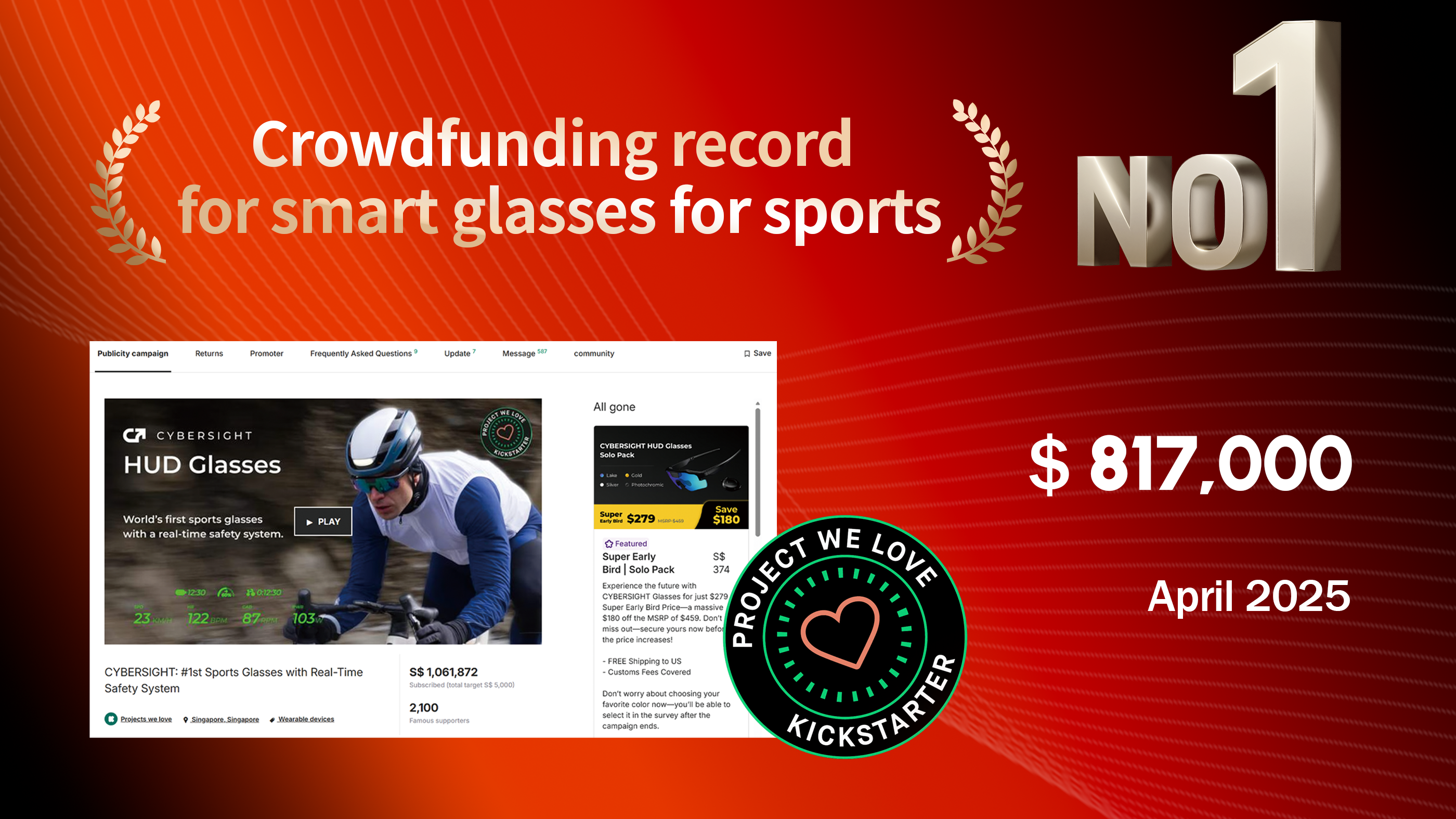
"HUD glasses for sports actually make quite a bit of sense from a theoretical standpoint, regardless of your opinion on smart tech in the broader sense."

"The premise is cycling glasses designed to "improve your safety by preventing external environmental risks" to the user."

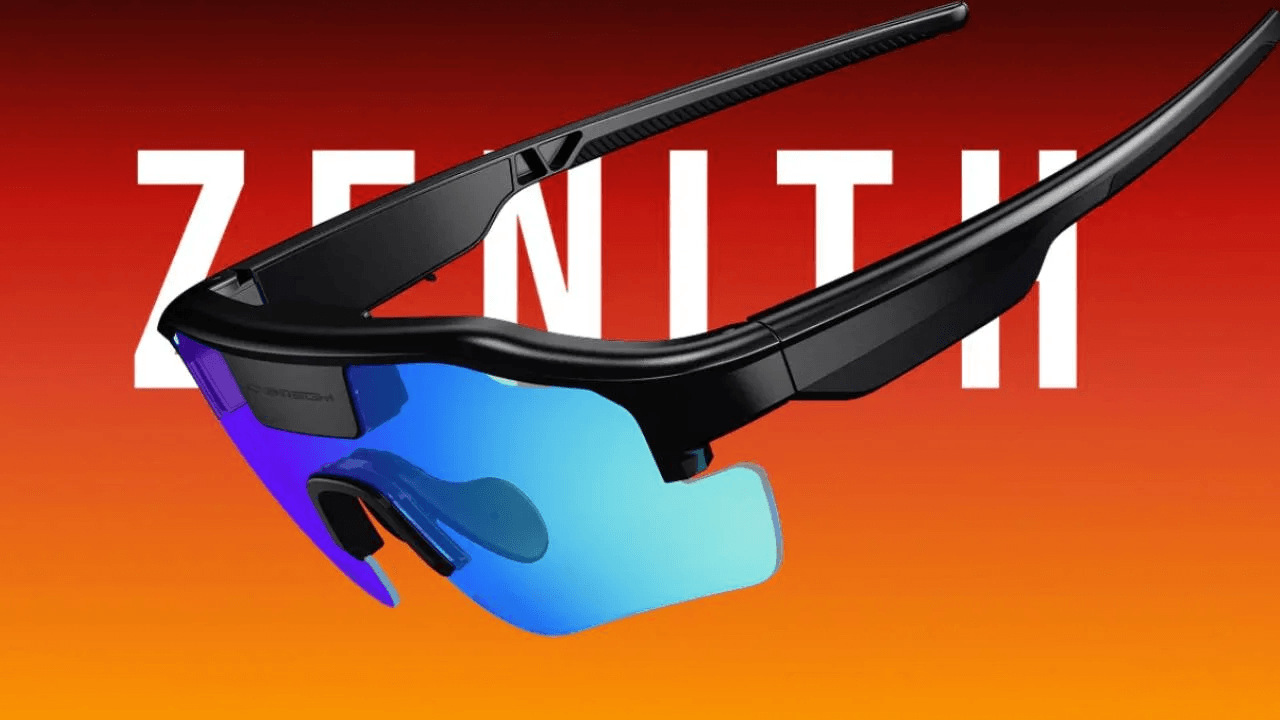
"Inspired by the heads-up displays found infighter jets and many newer cars, these cycling-focused specs are among the mosthigh-tech and feature-laden ever made."

"..a game-changing wearable designed to enhance outdoor sports with real-time performance data and advanced safety features."

"You'll know when a car is approaching even before you hear it,giving you precious extra seconds to stay safe."

"I find this to be really useful, as it allows me to know in real time of the number of vehicles and distance behind me."

An experience you’ll never forget.
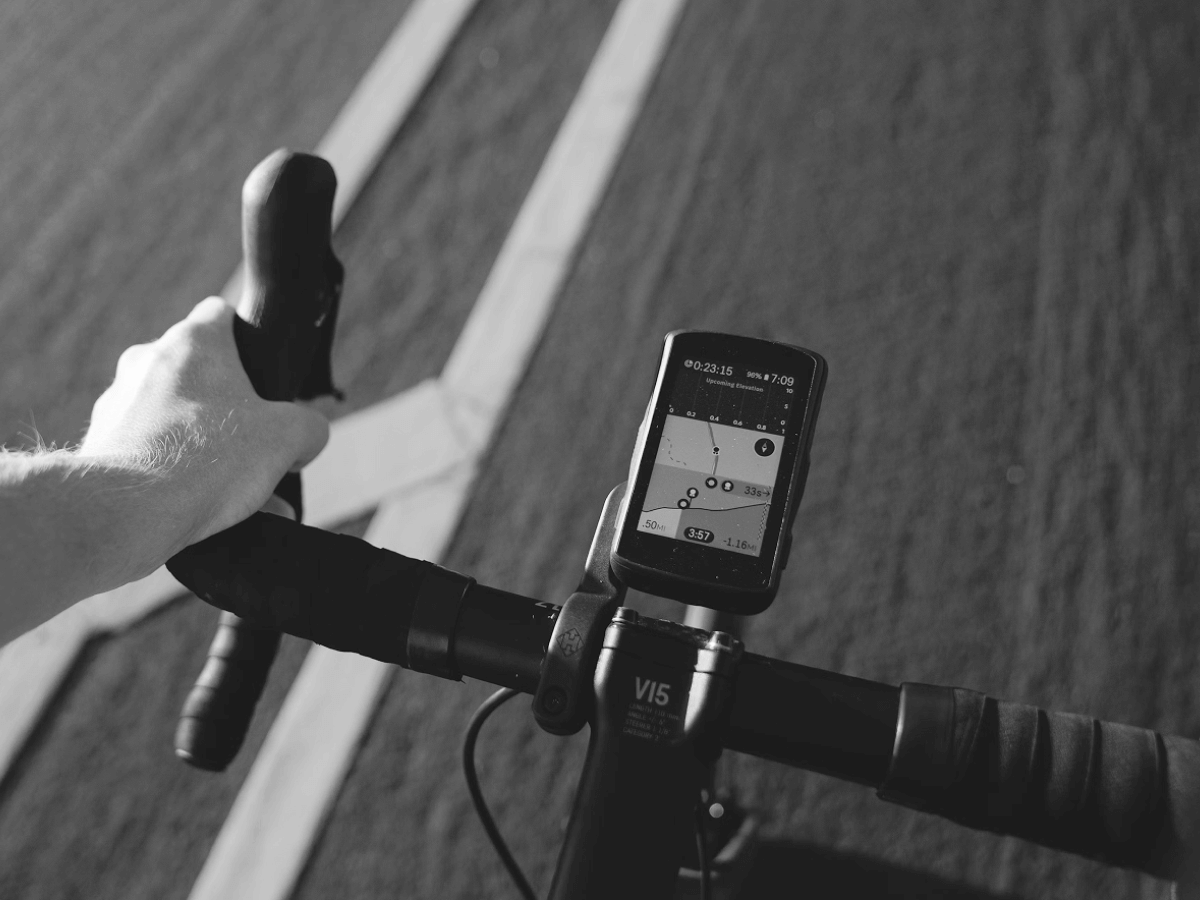
BIKE COMPUTER
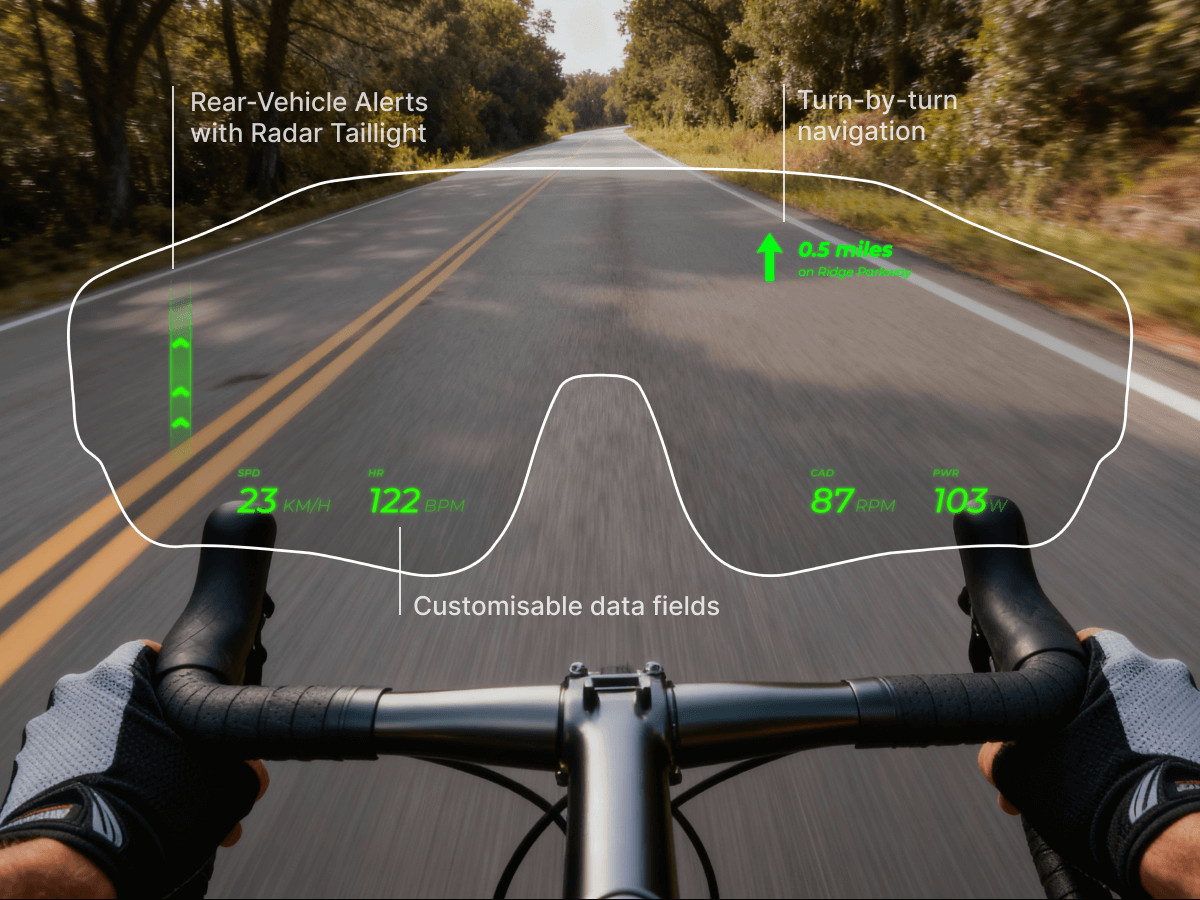
HUD GLASSES
Our Partner
Powering the vision with world-class industry leaders.




Tested by the Pros
@tridaniela
@toughtraining
@film my run
@kaydiruns
Danny C.
"On the first ride I forgot I was wearing them very quickly in terms of comfort...Despite being marginally heavier, the CYBERSIGHT glasses are FAR more comfortable!"
Marcel S.
"Running with the direct watch-to-glasses connection was Top-notch! and provided a significant added value."
Reynald Q.
"Overall, I’m happy with the purchase. The key data I rely on during my rides—heart rate, power, cadence, and speed—are mostly well-supported."
Tywin K.
"With all these features packed into one product, this is easily the most innovative cycling accessory I’ve seen in years."
Omari B.
"Having a visual alert for vehicles approaching from behind is a brilliant safety feature. It’s something every cyclist needs."



EUROBIKE 2026, Frankfurt, Germany

EUROBIKE 2025, Frankfurt, Germany
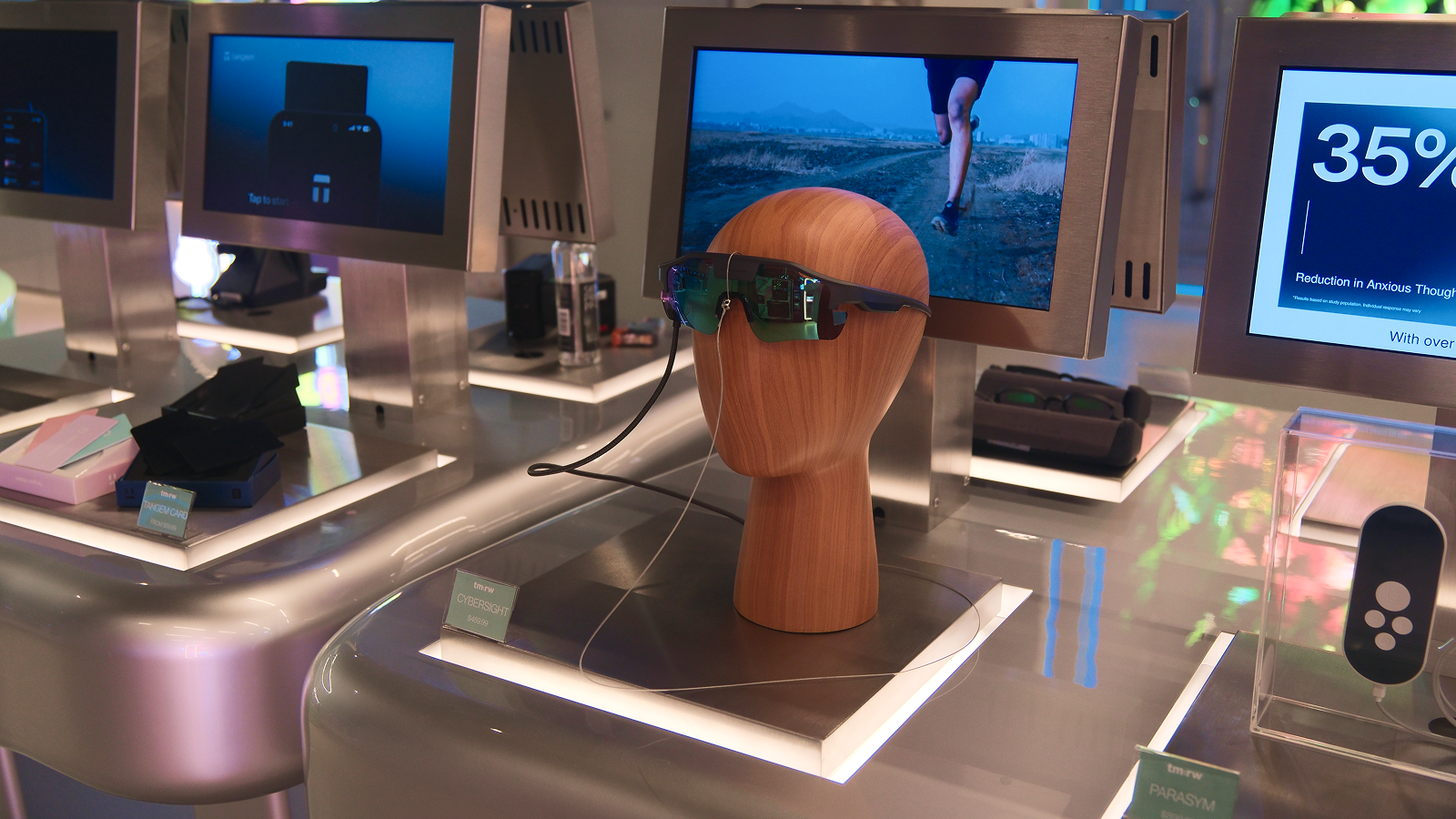
tm:rw Store, Time Square, New York
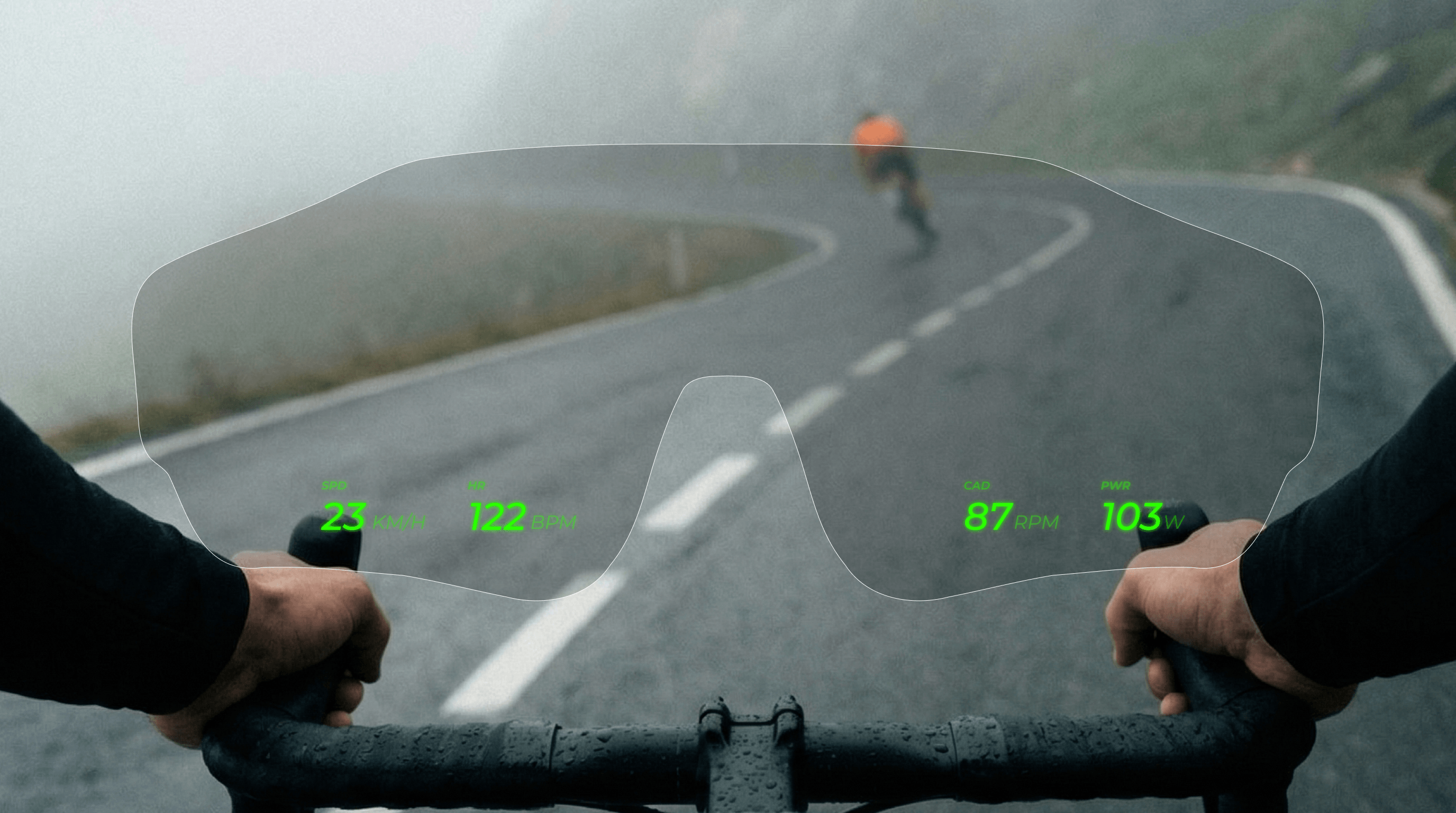
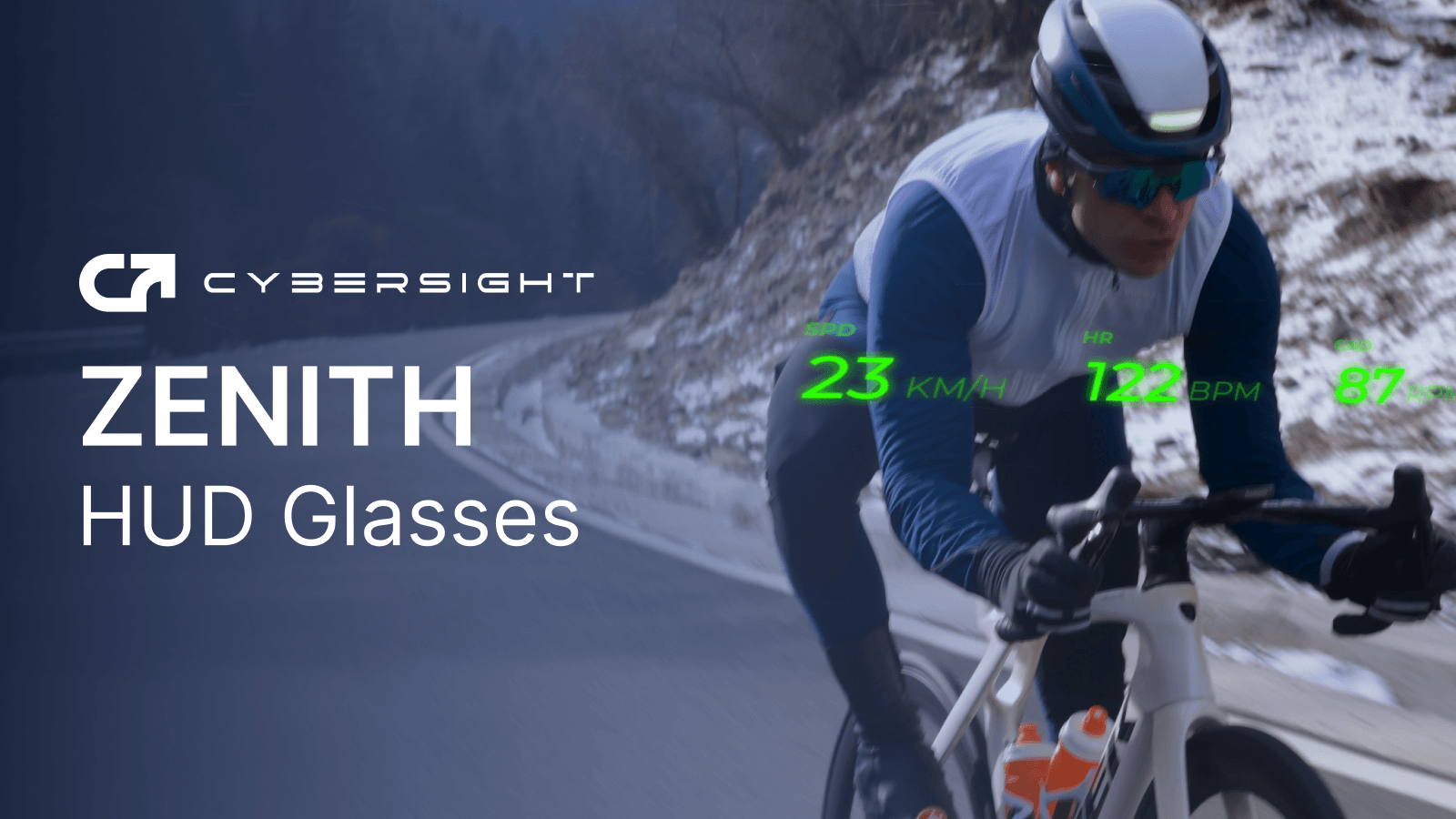
CYBERSIGHT HUD Glasses can connect to one primary device at a time—your smartphone, bike computer, or smartwatch—via Bluetooth, and then mirror the key training data from that device into your HUD.
CYBERSIGHT HUD Glasses supports all standard Bluetooth sensors—including heart-rate straps, cadence, power, and speed meters. While Garmin devices support both Bluetooth and ANT+, all other devices connect via Bluetooth only.
Yes. In the CYBERSIGHT app, you can choose from different HUD layouts tuned for intervals, long rides, or racing, and then select exactly which data fields you want to see in each.
Quickly manage your display and brightness with the power button. For everything else—switching pages, customizing layouts, or activating AI analysis—the Remote puts total control at your fingertips.
The HUD uses a tempered‑glass waveguide lens to project data at a comfortable virtual distance in your field of vision. It’s shock‑resistant, safe for your eyes, and designed so the information sits softly in your periphery, not plastered over the road.